give your computer a fresh start
Around 2 days ago, I reset my computer completely. I went into the Windows settings, and selected reset everything (including my apps and files). Obviously, I didn't delete my files. I went through my computer and organised everything, making sure everything I wanted to keep was stored online.
The process didn't take too long—the reset itself was around an hour, mostly because I chose to do a full reset that downloaded a new OS image (Windows lets you do a local reset, which just uses your current installation, instead of downloading all new files). After it finished resetting, I just had to download and sign into OneDrive, and all my files started syncing (which took another 15-20 minutes).
The biggest difference now—aside from how clear my desktop is from app icons— is that my computer is much faster and consistently less hot. Background and startup apps, including the ones that I used, build up quickly slowing everything down.
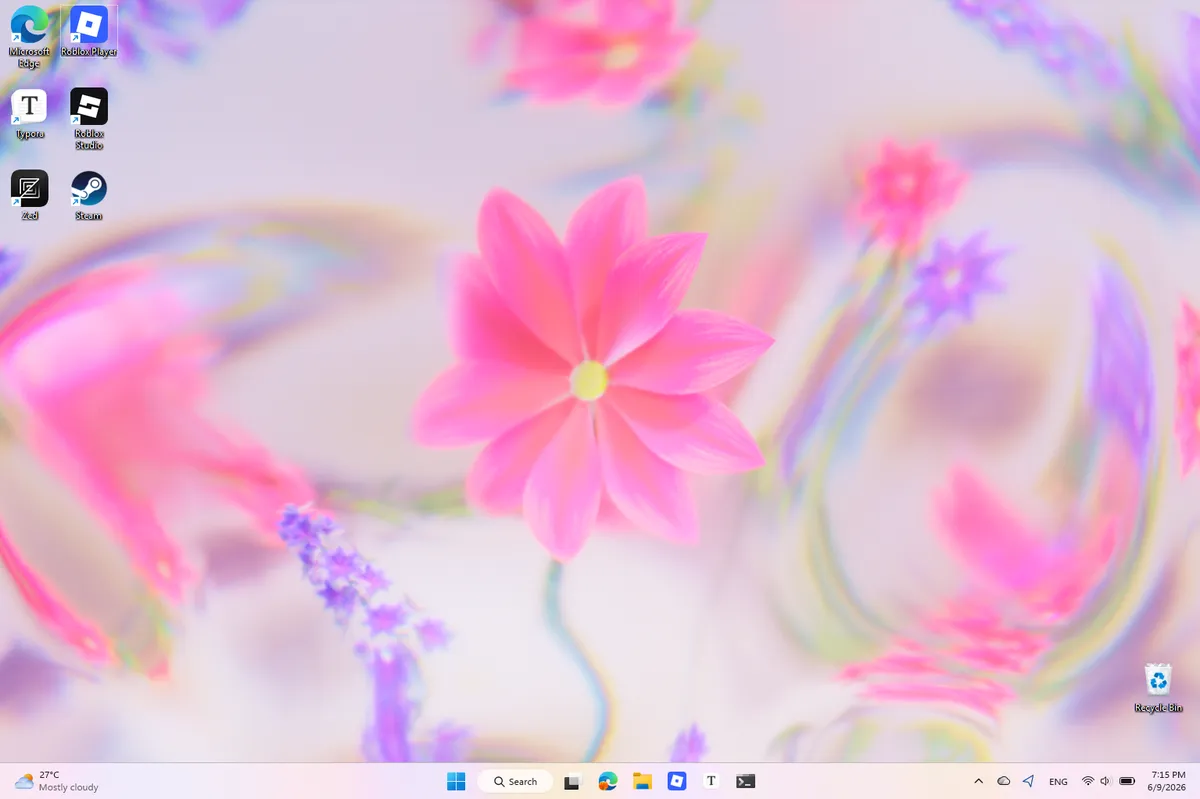 my desktop after resetting my computer
Another bonus is that I no longer have to clear storage space anytime I want to download anything larger than ~2 GB. Resetting deleted many of the large apps, and any remnants programs left behind, which is fairly common with Windows software. Before, I consistently had at most 20 GB of free storage1, but now, I have >150 GB—plenty of space for my projects. Cloud storage helps out here, too, since many of my (mostly unused) files are online-only, saving some storage.
If you can, I encourage you to go through your computer and organise your files, and back up what you want to keep (if you prefer, use an external SSD, flash drive instead of a cloud service). Then, give your computer a fresh start.
My laptop only has 256 GB of storage—which is also the reason why I haven't dual-booted it with Linux.↩